

Transactional Email Examples: 15 Real-World Types
· 6 min read
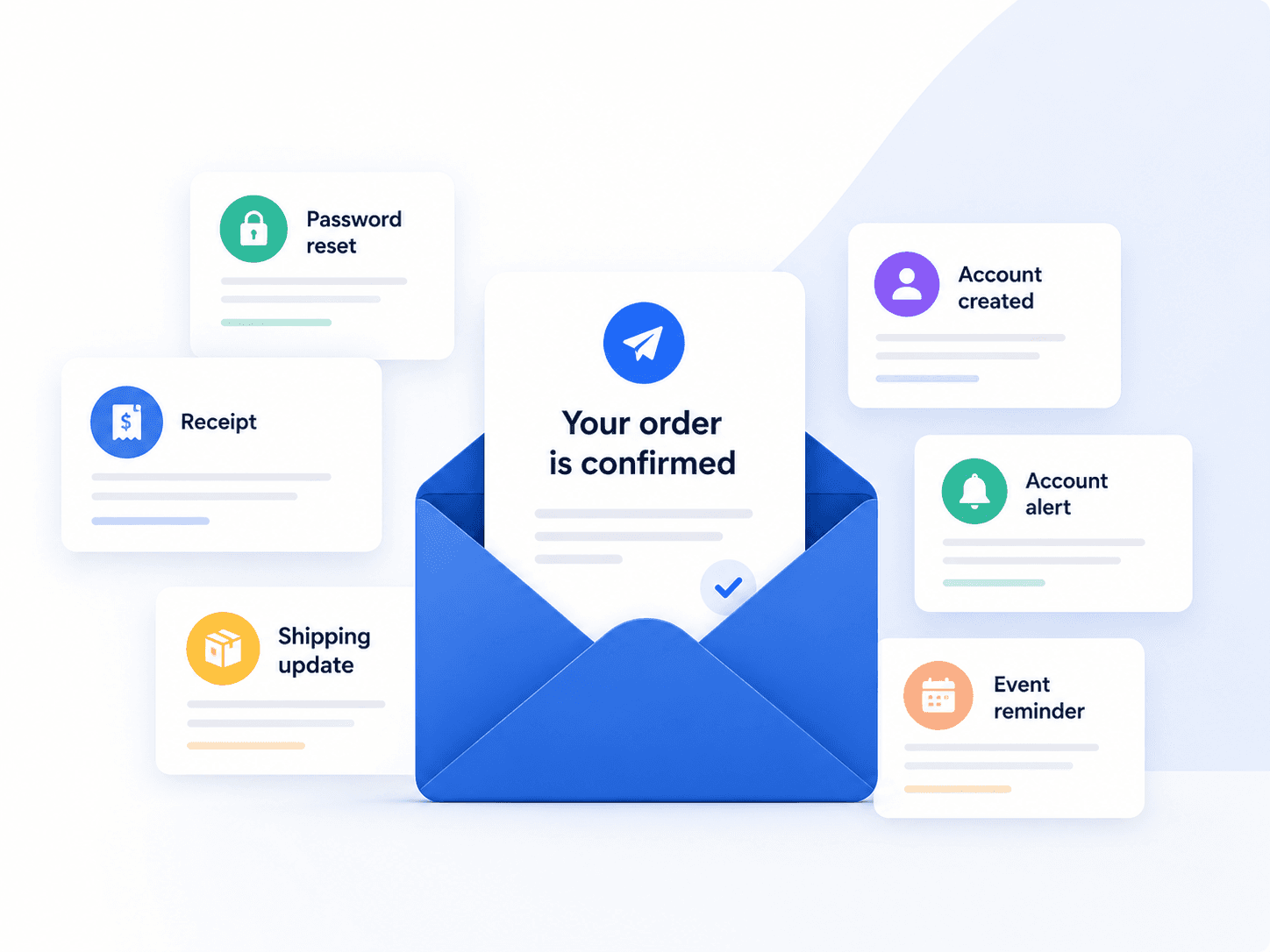
Every product thinks its emails are unique. In practice almost all of them converge on the same fifteen, because they map to the same underlying events: someone signed up, someone paid, someone forgot something, something changed.
Here is the full catalogue, grouped by trigger, with what each one must contain and the specific way each tends to fail. For the underlying concept, see the transactional email guide.
Authentication and account access
1. Account verification
Sent immediately after signup to confirm the address is real and reachable.
Must contain: a single unambiguous verification link, an expiry window, and what happens if they ignore it. Fails when: the link expires too quickly, or the email is the only path forward and it lands in spam — turning a signup into an abandoned account.
2. Password reset
The highest-stakes email you send. An existing, often paying user is locked out.
Must contain: a time-limited reset link, the expiry, and a clear line saying to ignore it if they did not request it. Fails when: delivery is slow. Users request three resets in a row, each invalidating the last, and end up unable to use any of them. If you fix one email in this list, fix this one.
3. Magic link sign-in
Authentication where the email is the credential.
Must contain: one link, a short expiry, and the requesting device or location. Fails when: email clients prefetch links and consume single-use tokens before the human clicks. Design for it.
4. Security and new-device alerts
Notification of a login from an unrecognised device, or a change to security settings.
Must contain: what happened, when, from where, and a direct action to lock the account down. Fails when: written so vaguely that users cannot tell whether it was them.
5. Email address change confirmation
Must contain: confirmation sent to both addresses — the old one is how a hijacked account gets noticed. Fails when: only the new address is notified, which is how account takeovers go unnoticed.
Commerce and billing
6. Order confirmation
The receipt the customer will look for later.
Must contain: order number, itemised contents, total, payment method and expected delivery. Fails when: it does not survive being forwarded or printed. This one gets archived and re-read.
7. Shipping and delivery updates
Must contain: tracking number as a working link, carrier, and a realistic window. Fails when: sent too often. Three updates per shipment is informative; ten trains people to ignore you.
8. Invoices and receipts
Distinct from order confirmation: this is the financial document, and it will end up in an accounting workflow.
Must contain: invoice number, billing period, tax breakdown, and a stable download link. Fails when: the download link expires. Finance teams open these months later.
9. Payment failed
The most commercially valuable email in this list.
Must contain: what failed, why if you know, what happens next and when, and a direct link to update the card. Fails when: it reads like a threat, or buries the fix. This is also the email teams rewrite most often — which is exactly why it should not require a deploy to change.
10. Subscription renewal and expiry
Must contain: what renews, when, at what price, and how to change it. Fails when: sent too late to act on. Advance notice is the entire point.
Fifteen templates, zero deploys
Publish every transactional email in SentFast and let your team fix the wording without touching your codebase.
See how it worksProduct and collaboration
11. Welcome and onboarding
Sent after verification, when the account is real.
Must contain: one next action. Not five. Fails when: it becomes a product tour. The user just signed up — they want to do the thing they signed up for. Note that a promotional welcome email crosses into marketing; see transactional vs marketing email.
12. Team and workspace invitations
Must contain: who invited them, to what, and an accept link that works whether or not they already have an account. Fails when: it assumes an existing account, dropping new users into a login screen with no way forward.
13. Mentions, comments and assignments
The highest-volume category in any collaboration product.
Must contain: enough context to act without opening the app, and the actual content of the mention. Fails when: not batched. One email per comment on an active thread is how users mute your domain entirely.
14. Usage and quota warnings
Must contain: current usage, the limit, what happens at the limit, and how to raise it. Fails when: the first notice arrives at 100%. Warn at 80%.
15. System and incident alerts
Fired by your infrastructure when something needs a human.
Must contain: severity, affected system, timestamp, and a link to detail. Fails when: alert volume trains recipients to ignore them.
Where to spend your effort first
They are not equally important.
| Cost of failure | Priority | |
|---|---|---|
| Password reset | User locked out, support ticket, possible churn | Critical |
| Payment failed | Involuntary churn, direct revenue loss | Critical |
| Account verification | Abandoned signup, never recovered | High |
| Order confirmation | Support contact, trust damage | High |
| Invitations | Blocked team adoption | Medium |
| Notifications | Annoyance, unsubscribes | Medium |
The pattern is consistent: the emails that matter most are the ones where the user cannot proceed without them. Volume is a poor guide — notification emails outnumber password resets a hundred to one and matter far less.
Two things every one of them needs
Variables that are validated. Every email here is a template plus per-recipient data. A renamed backend field that renders a literal placeholder to a customer is a preventable failure, and it always happens on the highest-volume template.
A version history. When a customer disputes what a receipt said, you need the version that actually went out — not the current template.
Related reading
- Transactional Email: Definition, Examples & How It Works — the core guide
- Transactional Email Best Practices — how to write and structure them
- Transactional Email vs Marketing Email — where the boundary sits
- Transactional Email Templates — ready-made starting points