

Best Transactional Email Services: What to Actually Compare
· 6 min read
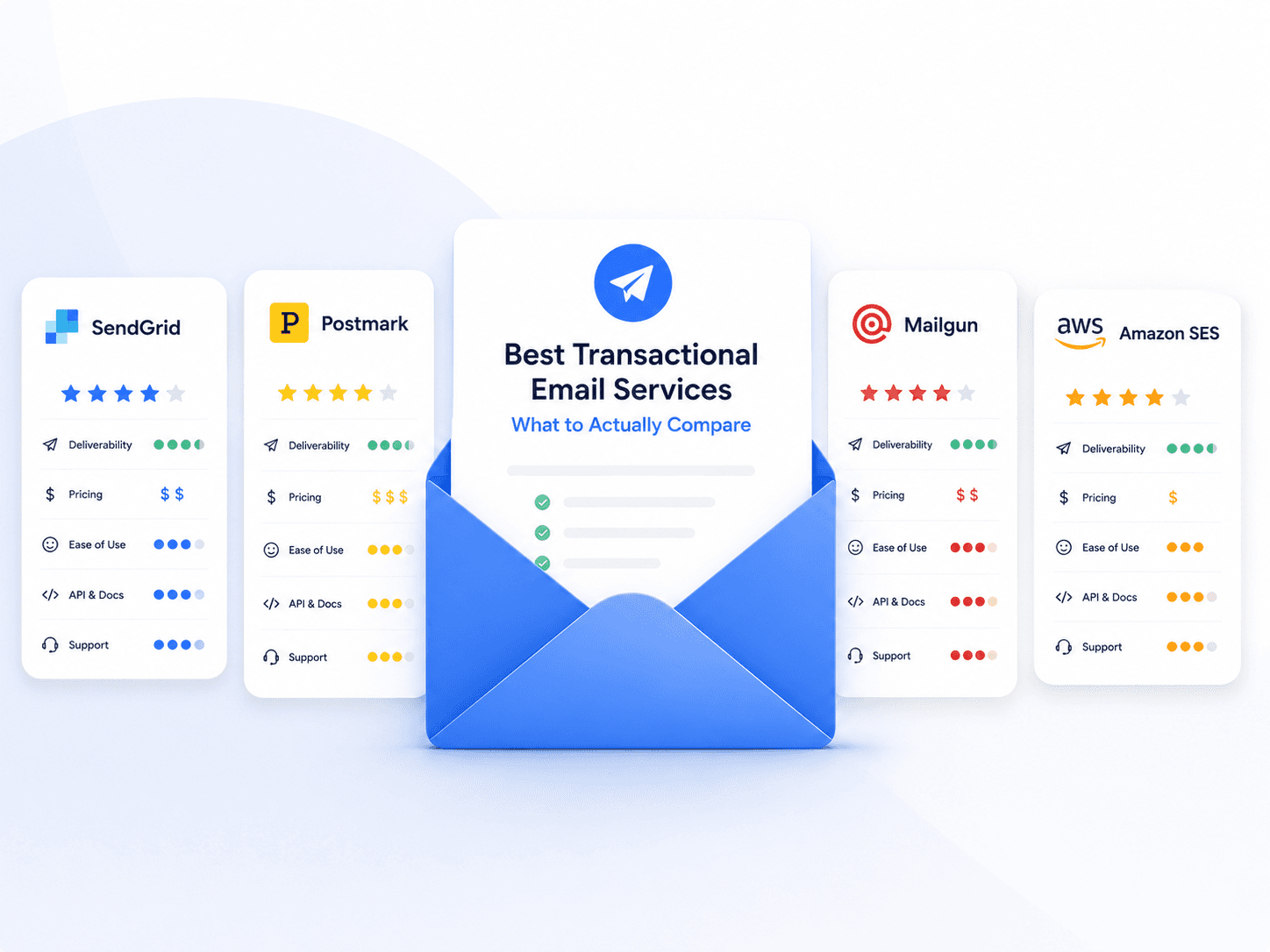
Most comparison articles rank providers. That ranking is stale within months and rarely matches your situation anyway, because the right answer depends on what your team spends time on.
This is the framework instead: what to compare, how to test it, and which costs only show up after you have committed. For the underlying concepts, see the transactional email guide.
Sending is not the differentiator
Every serious provider can deliver an email. Reliability at the transport layer is close to commoditised, and the price difference on a few hundred thousand messages is usually smaller than a week of engineering time.
What actually differs is everything around the send: how fast you can diagnose a failure, who is allowed to change the copy, and what happens when your reputation takes a hit.
So evaluate in this order.
1. Deliverability, and how it is managed
Providers all claim high deliverability. The claim itself is not comparable — the underlying practices are.
Ask how shared IP pools are managed. Most accounts start on shared IPs, so your delivery partly depends on the other senders in your pool. A provider that polices its own customers strictly is protecting your reputation. One that does not is selling you a neighbourhood problem.
Check whether you can authenticate with your own domain. SPF and DKIM must align with your visible From domain, or DMARC fails despite both passing. Any provider worth using supports a custom return path and DKIM signing on your domain — see SPF, DKIM & DMARC.
Ask what happens when there is a problem. Blocklisting and reputation incidents happen. The difference between providers is whether you get a human who helps with delisting, or a status page.
Check whether transactional and marketing traffic are separated. If a provider mixes both through the same infrastructure without isolation, your password resets share a reputation with someone else's campaigns.
2. Time to debug a single send
This is the criterion teams underrate most and regret fastest.
A customer says they did not receive their receipt. How long does it take to answer:
- Was it sent?
- To which address?
- Which version of the template did they get?
- What did the receiving server say?
- Was it opened?
If answering takes more than a minute, you will feel it every week for as long as you use the product. Test this during evaluation with a real send, not a demo.
The template version part is the one most commonly missing. Without it, you can tell a customer what your template says today — not what they actually received.
3. Who can change a template
Transactional copy changes constantly: clearer wording, a legal correction, a better dunning message. The question is what a change costs.
| Model | Copy change requires | Who can do it |
|---|---|---|
| Templates in your codebase | Pull request, review, deploy | Engineers only |
| Provider template editor | Edit in the provider UI | Anyone with access |
| Decoupled template platform | Edit and publish; integration unchanged | Anyone with permission |
If your team ships email copy through the release cycle, most of the cost of transactional email is engineering time spent on wording. Check whether the provider's editor is genuinely usable by non-engineers, whether published versions are stored, and whether a bad edit can be rolled back.
This is the axis SentFast is built around — templates live outside your repository and are called by ID, so the integration stops changing when the content does. Whether that matters to you depends on how often your transactional copy changes and who wants to change it.
Try the decoupled model
Publish a template, call it by ID from your backend, and change the wording without a deploy.
Get started4. How pricing behaves as you grow
Compare the shape of the curve, not the headline rate.
- Where does the free tier end, and what is the first paid step?
- Is it per email, per contact, or tiered? Tiers create cliffs where one extra message triggers a large jump.
- What is metered besides sends? Log retention, event webhooks, extra domains and API keys are common paid extras.
- What happens when you exceed the limit? Being throttled or hard-stopped mid-month on transactional email is a product outage, not a billing event.
That last point deserves a specific question during evaluation: does exceeding quota queue, throttle, reject, or silently drop?
5. Exit cost
Ask this before signing, not during an incident.
- Are your templates exportable, or locked in a proprietary editor?
- Can you export delivery logs and events?
- How much application code would change to switch providers? An integration that passes template IDs and variables is far cheaper to move than one with provider-specific payloads scattered through the codebase.
A provider that makes leaving easy is more confident in keeping you.
The evaluation checklist
| Area | Question | How to test it |
|---|---|---|
| Authentication | Can SPF and DKIM align with my domain? | Send a real message; read the headers |
| Inbox placement | Does it reach the primary inbox? | Seed addresses at each major provider |
| Debuggability | Can I trace one send end to end? | Time yourself answering the five questions above |
| Template versions | Can I see what was actually sent? | Edit a template, then inspect an older dispatch |
| Editing | Can a non-engineer change copy safely? | Have one try it during the trial |
| Quota behaviour | What happens at the limit? | Ask directly; check the docs |
| Bounce handling | Are hard bounces suppressed automatically? | Send to a known invalid address |
| Exit | Can I export templates and logs? | Try the export before committing |
The market in brief
The established options — SendGrid, Mailgun, Postmark, Amazon SES, Resend and others — differ mainly in whether they optimise for raw infrastructure, developer experience, or an integrated platform. Their specific pricing and feature sets change often enough that any figures quoted here would be wrong by the time you read them, so check them directly rather than trusting a comparison table.
What is worth deciding before you look at any of them is which of the criteria above actually binds for you. A team sending a million infrastructure alerts a month optimises for cost per message. A team whose product manager rewrites the dunning email every quarter optimises for who can edit a template. Those lead to different answers, and neither is the "best" provider in general.
Related reading
- Transactional Email: Definition, Examples & How It Works — the core guide
- How to Send Transactional Email — architecture before provider choice
- Transactional Email Deliverability — what you are actually buying
- Transactional Email Best Practices — getting execution right