

Transactional Email: Definition, Examples & How It Works
· 7 min read
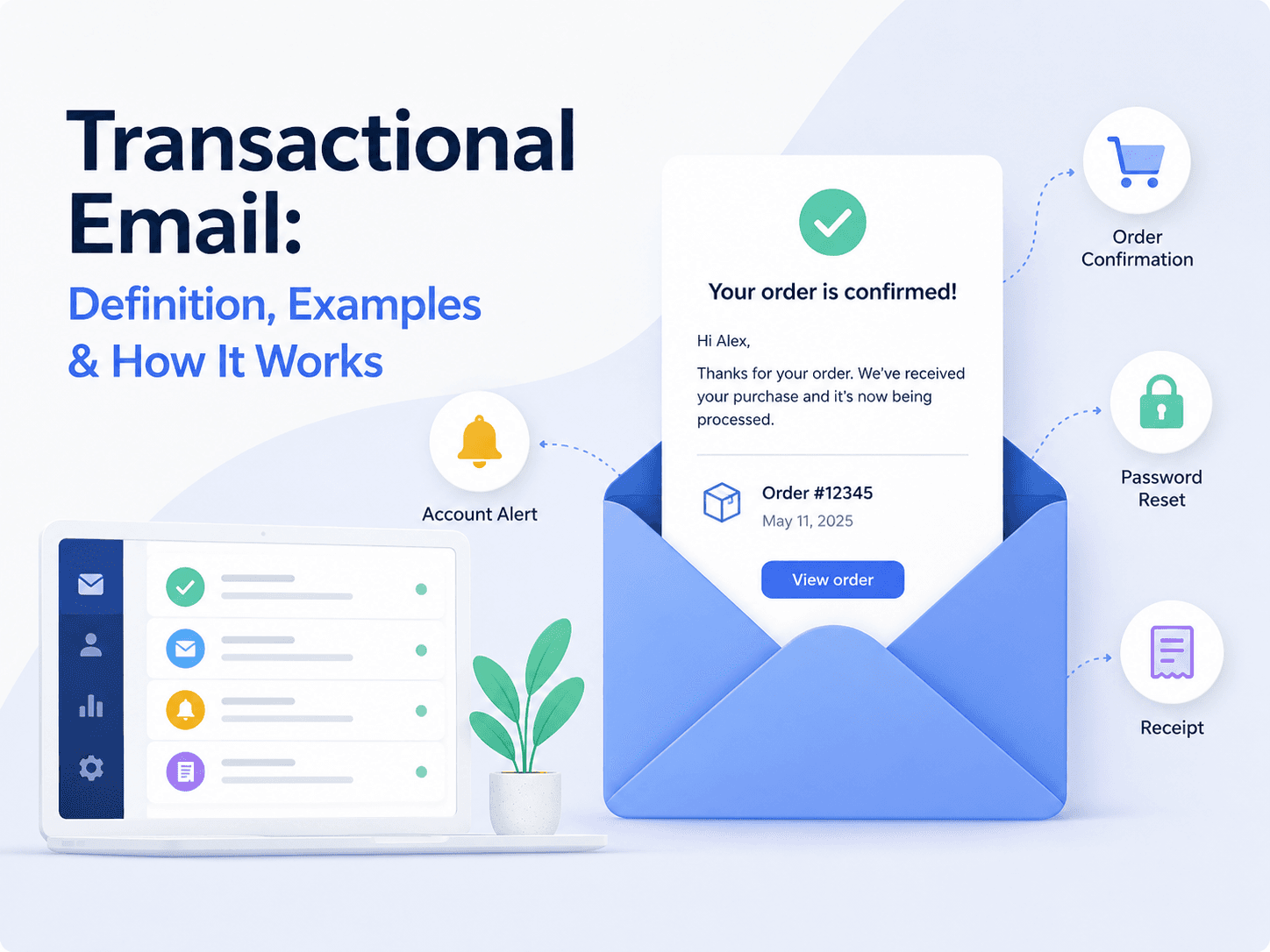
If a user clicks "reset my password" and nothing arrives, they don't file a bug report. They leave.
That is the defining property of transactional email: someone is waiting for it, right now, and the rest of their task is blocked until it lands. This guide covers what transactional email is, how it differs from marketing email, the types you will end up sending, and how sending actually works underneath.
What is a transactional email?
A transactional email is an automated, one-to-one message triggered by a specific user action or system event. It delivers information the recipient is expecting as a direct result of something they did — confirming an order, verifying an address, resetting a password, warning that a payment failed.
Three properties separate it from every other kind of email:
- It is triggered, not scheduled. An event in your system causes it. Nobody picks a send time.
- It is one-to-one. Each message goes to a single recipient and is rendered with that recipient's data.
- It is expected. The recipient caused it, so it is anticipated rather than interrupting.
That last property is why transactional email consistently outperforms every other channel on open rates. The attention is already there — the user is waiting.
Transactional vs marketing email
The distinction matters more than it first appears, because it determines what consent you need, what infrastructure you send from, and what happens to your sender reputation.
| Transactional | Marketing | |
|---|---|---|
| Trigger | A user action or system event | A schedule the sender picks |
| Audience | One recipient | A segment or list |
| Consent | Generally not required | Required |
| Expectation | Anticipated | Interrupting |
| Unsubscribe link | Usually not required | Required |
| Failure cost | A blocked user, a support ticket | A missed campaign |
The consent exemption is narrower than most teams assume. A receipt is transactional. A receipt with "you might also like these products" stapled to the bottom can be reclassified as marketing, along with every obligation that carries.
The failure cost row is the one worth internalising. If a marketing campaign underperforms, you try again next week. If password resets stop arriving, your support queue fills within the hour.
→ Full comparison: Transactional Email vs Marketing Email
The types you will actually send
Almost every product converges on the same set. Grouped by what they do:
Authentication and account
- Account verification
- Password reset
- Magic link sign-in
- Email address change confirmation
- Two-factor and new-device alerts
Commerce and billing 6. Order confirmation 7. Shipping and delivery updates 8. Invoices and receipts 9. Payment failed / dunning 10. Subscription renewal and expiry notices
Product and collaboration 11. Welcome and onboarding 12. Team and workspace invitations 13. Mentions, comments and assignments 14. Usage limits and quota warnings 15. System alerts and incident notices
Two of these carry disproportionate weight. Password reset is the most deliverability-sensitive email you will ever send, because failure locks a paying user out of your product. Payment failed is the most revenue-sensitive, because it is the last thing standing between an expired card and involuntary churn — and it is the email teams iterate on most, which is exactly why it should not be hardcoded in your repository.
→ Full breakdown: Transactional Email Examples: 15 Real-World Types
How sending actually works
There are three ways to get a transactional email out of your application.
SMTP. The original protocol. Universally supported, works with every language and legacy system, but chatty — it needs several round trips per message, and error handling is awkward because failures surface as numeric status codes long after your request completed.
HTTP API. You send a JSON payload to an endpoint and get a structured response with a message ID you can trace. Faster, easier to debug, and it fails in ways your application can actually handle. This is the default for anything built in the last decade.
Your own mail server. Full control, and a permanent operational commitment: IP warming, reputation monitoring, blocklist removal, authentication maintenance. Almost never worth it below very high volume.
Whichever you choose, one architectural decision matters more than the transport: where your templates live.
The common approach is to keep email HTML inside the application repository. It works until the first copy change, at which point adjusting a subject line requires a pull request, a review, a deploy and a release window — and the person who noticed the typo cannot fix it. Decoupling templates from code means your integration stays fixed while the content changes as often as it needs to.
→ Implementation guide: How to Send Transactional Email: API, SMTP & Architecture
Stop shipping code to change email copy
Publish templates in SentFast, pass variables from your backend, and let anyone update the wording without a deploy.
See how it worksDeliverability is the whole game
A transactional email that does not arrive is worse than one you never sent, because the user is waiting for it and you believe it worked.
Three layers determine whether it lands.
Authentication. SPF, DKIM and DMARC prove the message genuinely comes from your domain. Since 2024, Gmail and Yahoo require all three for bulk senders, and misconfiguration is the single most common cause of transactional email silently landing in spam.
Reputation. Mailbox providers score your sending domain and IP on engagement, complaints and bounces. Because transactional email is expected, it earns strong engagement — which is precisely why mixing marketing sends into the same domain is risky. Separate subdomains keep the reputations isolated.
Hygiene. Hard bounces must be suppressed immediately. Repeatedly sending to a dead address is one of the fastest ways to damage a domain's standing.
→ Technical guide: Transactional Email Deliverability → Setup walkthrough: SPF, DKIM & DMARC for Transactional Email
Templates and variables
Every transactional email is a template plus per-recipient data. The template holds the layout and copy; variables like {{user_name}}, {{order_total}} or {{action_url}} are filled at send time.
Two rules save the most pain:
Validate variables before sending. A renamed backend field that silently renders {{user_name}} as literal text to a real customer is a preventable failure. The template should declare what it expects, and sends should be checked against that.
Version your templates. When a customer disputes what a receipt said, you need the exact version that went out — not whatever the template looks like today.
→ Template library: Transactional Email Templates
Best practices worth following
- Send immediately. Seconds, not minutes. A magic link that arrives after the user gives up has failed.
- One email, one purpose. Do not attach a newsletter signup to a password reset.
- Write a subject line that states what happened. "Your order #4821 has shipped" beats "Update from Acme".
- Make it work as plain text. Images get blocked; the message still has to make sense.
- Use a monitored reply address. People reply to transactional email.
noreply@sends those replies nowhere. - Be idempotent. Retries happen. A duplicate charge notification is alarming; a duplicate receipt is confusing.
→ Full checklist: Transactional Email Best Practices
Choosing how to send
Once you know what you are sending, the evaluation usually comes down to deliverability track record, how quickly you can debug a specific failed send, whether non-engineers can change copy without a deploy, and how pricing behaves as volume grows.
That last pair is where most teams get surprised. Sending is commoditised; the operational cost of changing transactional email — and of answering "what exactly did we send this customer?" — is where the time actually goes.
→ Evaluation guide: Best Transactional Email Services
Where to go next
- Understand the distinction: Transactional vs Marketing Email
- See the full catalogue: 15 Transactional Email Examples
- Build it: How to Send Transactional Email
- Make it land: Transactional Email Deliverability
- Get the wording right: Transactional Email Best Practices