

Transactional Email Deliverability: The Complete Technical Guide
· 6 min read
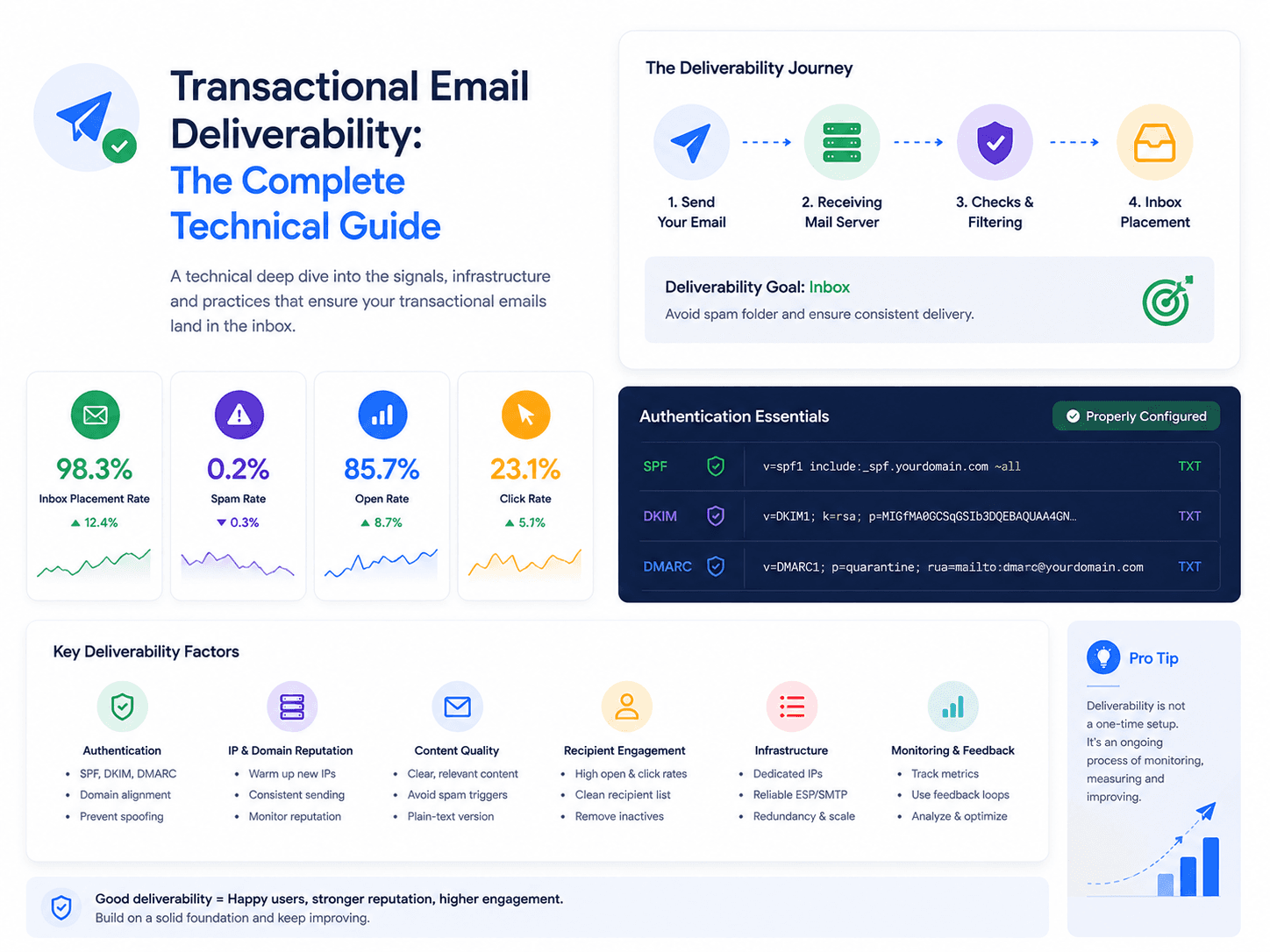
Transactional email has a structural advantage: recipients asked for it, so they open it, and engagement is the strongest positive signal a mailbox provider has. Teams still manage to end up in spam, and almost always for reasons that have nothing to do with the content.
This guide covers how delivery is actually decided and what to do about each layer. For the broader concept, see the transactional email guide.
Delivered is not the same as inbox
Provider dashboards report accepted — the receiving server took the message. That is not the same as it reaching the inbox. A message can be accepted and then filed into spam, and no API response will tell you.
| Term | What it means |
|---|---|
| Accepted | Your provider handed it off successfully |
| Delivered | The receiving server accepted it |
| Inbox placement | It reached the primary inbox — the only one that matters |
| Bounced | Rejected: hard means permanent, soft means temporary |
| Filtered | Accepted, then routed to spam. Usually invisible to you |
The gap between "delivered" and "inbox placement" is where transactional email quietly fails. Which is why the leading indicator to watch is not your delivery rate but your open rate: for transactional email it should be high, and a sudden drop with delivery still at 99% almost always means filtering.
The three layers that decide placement
Layer 1: Authentication
Authentication answers a single question — is this sender allowed to use this domain?
- SPF lists which servers may send for your domain.
- DKIM cryptographically signs the message so tampering is detectable.
- DMARC ties the two to your visible From address and tells receivers what to do on failure.
Since 2024, Gmail and Yahoo require all three from bulk senders. Missing or misaligned authentication is the single most common cause of transactional email landing in spam, and it fails silently — nothing errors, mail just stops arriving.
The subtlety that catches people is alignment: SPF and DKIM can both pass while DMARC still fails, because the domain that passed is not the domain in the From header. Full setup in SPF, DKIM & DMARC for transactional email.
Layer 2: Reputation
Once you are authenticated, providers score you. Reputation attaches to your sending domain, your subdomain and your IP, and it is built from:
- Engagement — opens, replies, moving messages out of spam
- Complaints — "mark as spam" clicks, where even a small rate is severe
- Bounces — a high hard bounce rate signals poor list quality
- Spam trap hits — mailing a recycled dead address is a strong negative signal
- Consistency — steady volume beats erratic spikes
Transactional email generates excellent signals on its own. The danger is dilution.
Separate your subdomains. Marketing email is structurally weaker on every metric: lower opens, more complaints, more dead addresses. Send both from the same domain and the scores merge, so a bad campaign week degrades password reset delivery.
mail.yourdomain.com    →  transactional
news.yourdomain.com    →  marketing
Each accrues reputation independently. This is the highest-leverage change most teams can make, and it costs one DNS record.
Layer 3: Content and hygiene
Content matters least for transactional email, because the shape is inherently trustworthy. Still worth avoiding:
- Link shorteners. Heavily abused, and they hide the destination.
- Mismatched link domains. Links pointing somewhere unrelated to the sender look like phishing.
- Image-only emails. A message that is one big image with almost no text is a classic spam pattern — and it breaks entirely when images are blocked.
- A missing or auto-stripped plain-text part. Providers read it as a quality signal.
Hygiene is where the real work is:
Suppress hard bounces immediately and permanently. A hard bounce means the address does not exist. Sending again is one of the fastest ways to damage a domain. This must be automatic — anything manual will be skipped under load.
Handle soft bounces with limits. Temporary failures deserve retries with backoff, but an address that soft bounces for a week should be treated as dead.
Never let a marketing unsubscribe suppress transactional sends. A user who left your newsletter still needs to reset their password. Keep the lists separate.
See what actually happened to every send
Per-dispatch logs with delivery, open, click and bounce events — so a deliverability problem is visible before support tells you.
Get startedWarming a new domain
A domain with no sending history that suddenly emits thousands of messages looks exactly like a compromised account.
Ramp gradually — start in the tens per day, roughly double every few days while watching bounce and complaint rates, and pause the ramp if either climbs. Send to your most engaged recipients first: early positive signals establish the baseline everything later is judged against.
Transactional email warms naturally, because volume grows with your user base. The risk is migration — moving an existing high volume to a new domain or provider overnight is the scenario that goes wrong.
What to monitor
| Metric | Healthy | Act when |
|---|---|---|
| Delivery rate | Above 99% | Below 98% |
| Hard bounce rate | Under 0.5% | Above 1% |
| Complaint rate | Under 0.05% | Above 0.1% |
| Open rate | High and stable | A sudden drop with delivery unchanged |
| Time to delivery | Seconds | Consistently above a minute |
Alert on rates over a window, not on individual events. One bounce is noise; a bounce rate that triples in an hour is an incident.
Register for feedback loops with the major providers so complaints reach you directly, and check DMARC aggregate reports — they reveal authentication failures you would otherwise never see.
When email stops arriving
Work in this order, because it goes from cheapest to slowest to fix:
- Check authentication. Send to a seed address at each major provider and inspect the headers for SPF, DKIM and DMARC results. Misalignment is the most likely cause and the fastest fix.
- Check blocklists. Look up your sending domain and IP. Delisting is usually possible once the underlying cause is resolved.
- Check what changed. New provider, new subdomain, a volume spike, a template rewrite that added tracking links.
- Check your bounce handling. If hard bounces are not being suppressed, you are actively making it worse while you investigate.
- Then look at reputation. This is the slow one — it recovers only through sustained clean sending.
Related reading
- SPF, DKIM & DMARC for Transactional Email — the authentication setup
- How to Handle Email Bounces — bounce classification and suppression
- Transactional Email Monitoring & Logs — what to instrument
- Transactional Email: Definition, Examples & How It Works — the core guide