

Send Transactional Email in Node.js: Step-by-Step Guide
· 6 min read
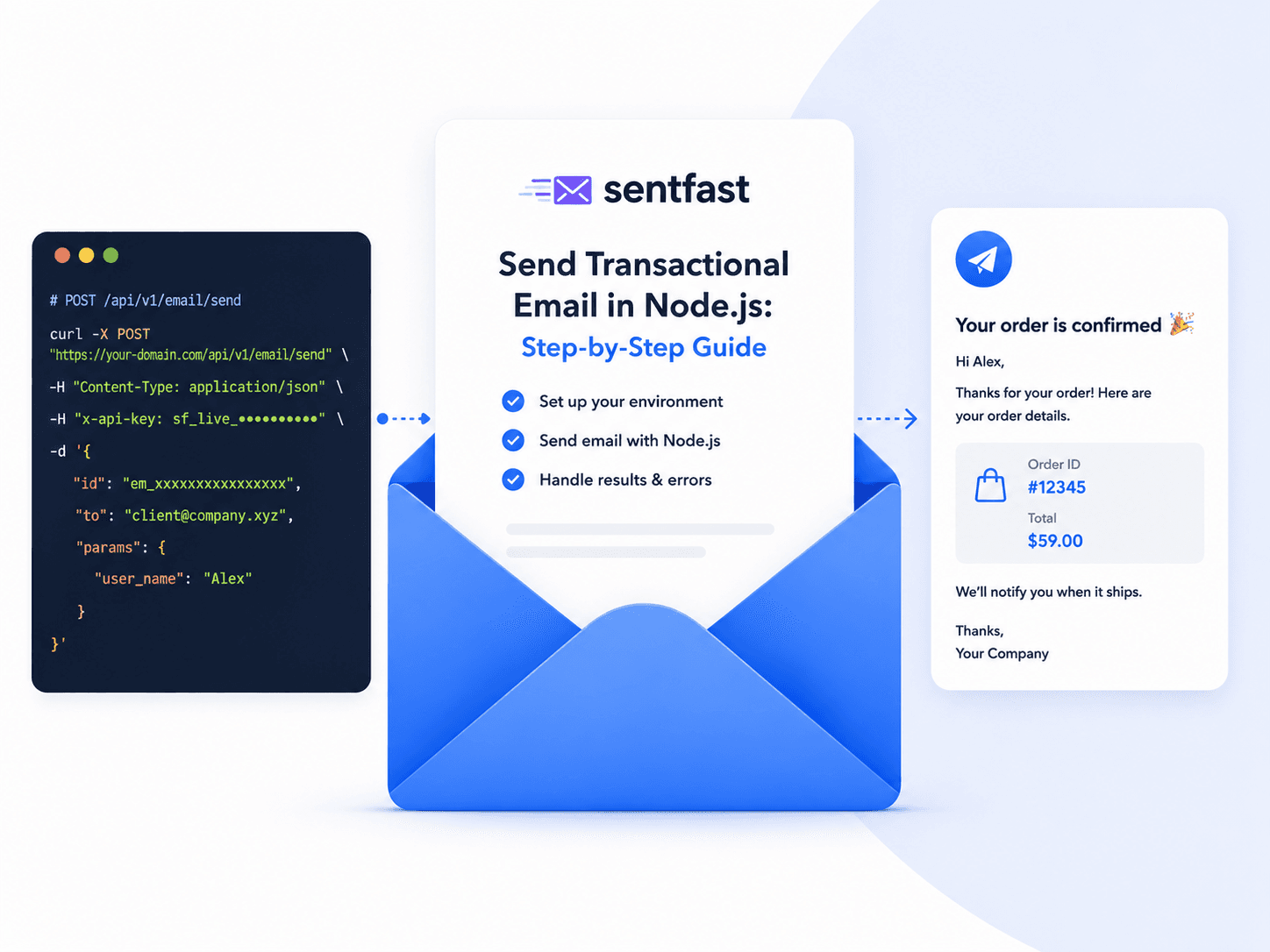
This guide builds a transactional email path in Node.js that survives production: sends by API, dispatches in the background, retries without duplicating, and does not require a deploy to change the copy.
For the architectural reasoning behind each choice, see how to send transactional email.
What we are building
order created  →  enqueue job  →  worker  →  API call  →  log result
                      ↑                        ↓
                  idempotency key         retry on 5xx
The user's request returns as soon as the job is enqueued. Everything after that is the worker's problem.
1. Send by API
Node 18+ ships fetch, so no HTTP client dependency is needed.
// lib/email.js
const API_URL = 'https://sentfa.st/api/v1/email/send'

export async function sendEmail({ templateId, to, params = {}, cc = [], attachments = [] }) {
  const res = await fetch(API_URL, {
    method: 'POST',
    headers: {
      'Content-Type': 'application/json',
      'x-api-key': process.env.SENTFAST_API_KEY,
    },
    body: JSON.stringify({ id: templateId, to, params, cc, attachments }),
  })

  const body = await res.json()

  if (!res.ok) {
    const error = new Error(body.error ?? `Send failed with ${res.status}`)
    error.status = res.status
    error.retryable = res.status >= 500 || res.status === 429
    throw error
  }

  return body
}
Two details worth keeping. The API key comes from the environment, never a literal — a key in your repository is a key in every fork of it. And retryable is decided here, at the only place that knows the status code, so the worker does not have to guess.
2. Keep the template out of the repository
Notice what the function does not take: HTML. It takes a templateId and a bag of variables.
await sendEmail({
  templateId: 'em_9fd2a1c7b4e30a58',
  to: user.email,
  params: {
    user_name: user.firstName,
    order_total: formatCurrency(order.total),
    order_url: `${process.env.APP_URL}/orders/${order.id}`,
  },
})
The template declaring {{user_name}} lives in SentFast, not in your codebase. Changing the wording is an edit and a publish; your deployment is untouched. Give the IDs readable names in a constants file so call sites stay legible:
// lib/email-templates.js
export const TEMPLATES = {
  ORDER_RECEIPT: 'em_9fd2a1c7b4e30a58',
  PASSWORD_RESET: 'em_2b7c4e91a0f6d3c2',
  PAYMENT_FAILED: 'em_5e1a8d34c7b2f069',
}
3. Dispatch in the background
Sending inside the request handler couples your response time to a third party, and turns a provider outage into a failed order.
// routes/orders.js — the wrong version
await db.orders.create(order)
await sendEmail({ ... })          // user waits; outage fails the request
return res.json({ ok: true })
Enqueue instead. This uses BullMQ, but the shape is the same with any queue:
// routes/orders.js
import { emailQueue } from '../queues.js'

const order = await db.orders.create(data)

await emailQueue.add(
  'order-receipt',
  { orderId: order.id },
  {
    jobId: `receipt:${order.id}`,     // same event can't enqueue twice
    attempts: 5,
    backoff: { type: 'exponential', delay: 2000 },
  }
)

return res.json({ ok: true })
jobId is the first layer of duplicate protection: if the handler runs twice, the second enqueue is a no-op.
Change the copy without redeploying
Your Node app sends a template ID and variables. The wording is edited and published in SentFast.
Get started4. The worker
// workers/email.js
import { Worker } from 'bullmq'
import { sendEmail } from '../lib/email.js'
import { TEMPLATES } from '../lib/email-templates.js'

new Worker('email', async (job) => {
  const order = await db.orders.findById(job.data.orderId)

  // Second layer: if this event was already dispatched, stop.
  const already = await db.emailLog.findOne({ key: job.id })
  if (already) return already

  const result = await sendEmail({
    templateId: TEMPLATES.ORDER_RECEIPT,
    to: order.customerEmail,
    params: {
      user_name: order.customerName,
      order_number: order.number,
      order_total: formatCurrency(order.total),
    },
  })

  await db.emailLog.insert({
    key: job.id,
    dispatchId: result.dispatchId,
    to: order.customerEmail,
    status: result.status,
    sentAt: new Date(),
  })

  return result
})
The log write is not optional. When a customer says the receipt never arrived, this row is the difference between an answer and a shrug.
5. Retry only what is worth retrying
A malformed address will fail identically forever. Retrying it five times wastes quota and, in the case of hard bounces, damages your sending reputation.
new Worker('email', async (job) => {
  try {
    return await dispatch(job)
  } catch (err) {
    if (!err.retryable) {
      // Permanent failure: record it and stop.
      await db.emailLog.insert({ key: job.id, status: 'failed', error: err.message })
      return
    }
    throw err   // retryable: let the queue back off and try again
  }
})
Swallowing a permanent failure silently is the one thing to avoid — record it, then stop.
6. Handle bounces
A send that succeeds is not a delivery. Addresses go dead, and continuing to mail them is one of the fastest ways to hurt a domain's standing.
// Suppress hard bounces before they cost you reputation
export async function suppress(address, reason) {
  await db.suppressions.upsert({ address, reason, at: new Date() })
}

export async function isSuppressed(address) {
  return Boolean(await db.suppressions.findOne({ address }))
}
Check the suppression list before dispatch, and never let a marketing unsubscribe write into it — a user who opted out of your newsletter must still be able to reset their password. See transactional vs marketing email.
7. Local development
Do not send real email from a developer machine. Point the base URL at a capture tool such as Mailhog or Mailpit, or short-circuit dispatch entirely:
if (process.env.NODE_ENV !== 'production') {
  console.log('[email]', templateId, to, params)
  return { ok: true, dispatchId: 'dev', status: 'skipped' }
}
Use a separate API key per environment so a staging bug can never touch production quota or reputation.
The finished shape
| Layer | Responsibility |
|---|---|
| Route handler | Enqueue with a stable job ID; return immediately |
| Queue | Backoff and attempt limits |
| Worker | Check idempotency, call the API, write the log |
| Email module | Build the request, classify errors as retryable or not |
| Suppression list | Block addresses that hard bounced |
| Template | Lives in SentFast, edited without a deploy |
Related reading
- How to Send Transactional Email: API, SMTP & Architecture — the reasoning behind this structure
- Transactional Email API vs SMTP — why this guide uses HTTP
- Email Retries, Idempotency & Duplicate Prevention — the failure modes in depth
- Transactional Email Deliverability — making sure it lands